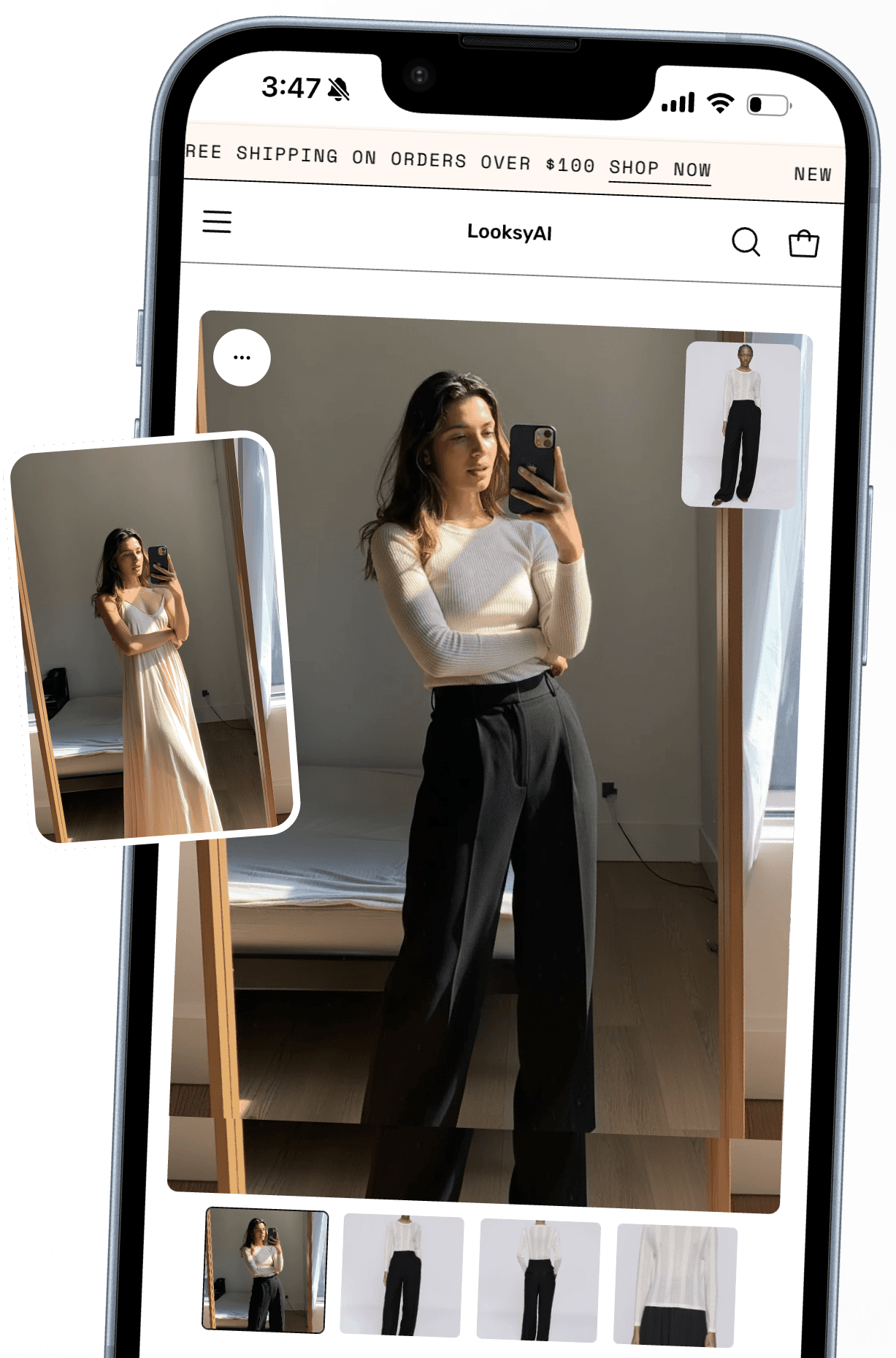
AI virtual try-on for Shopify. Shoppers see it on themselves before they buy, right on the product page.

Install free
Works with any Shopify theme
Why stores install it
More of them buy
Shoppers who see it on themselves stop hesitating.
Fewer boxes come back
They saw it on and ordered the size that fits.
Carts get bigger
They style the whole look in the showroom and add it all at once.
Word gets around.
REVIEWS
+
+
+
+
Flat shots become model photos
Looksy Studio, now in early access: on-model photos from the product images you already have.



Links that open into try-on
Short links and QR codes for social bios, email, packaging inserts, and in-store displays.
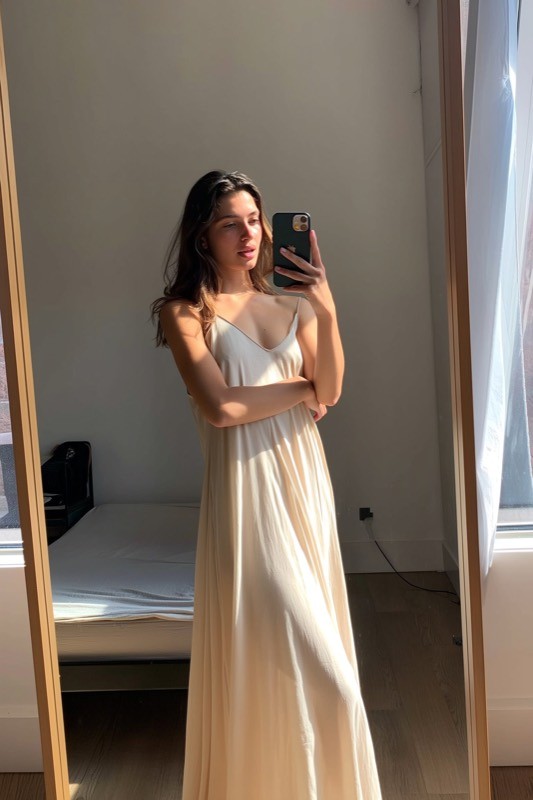

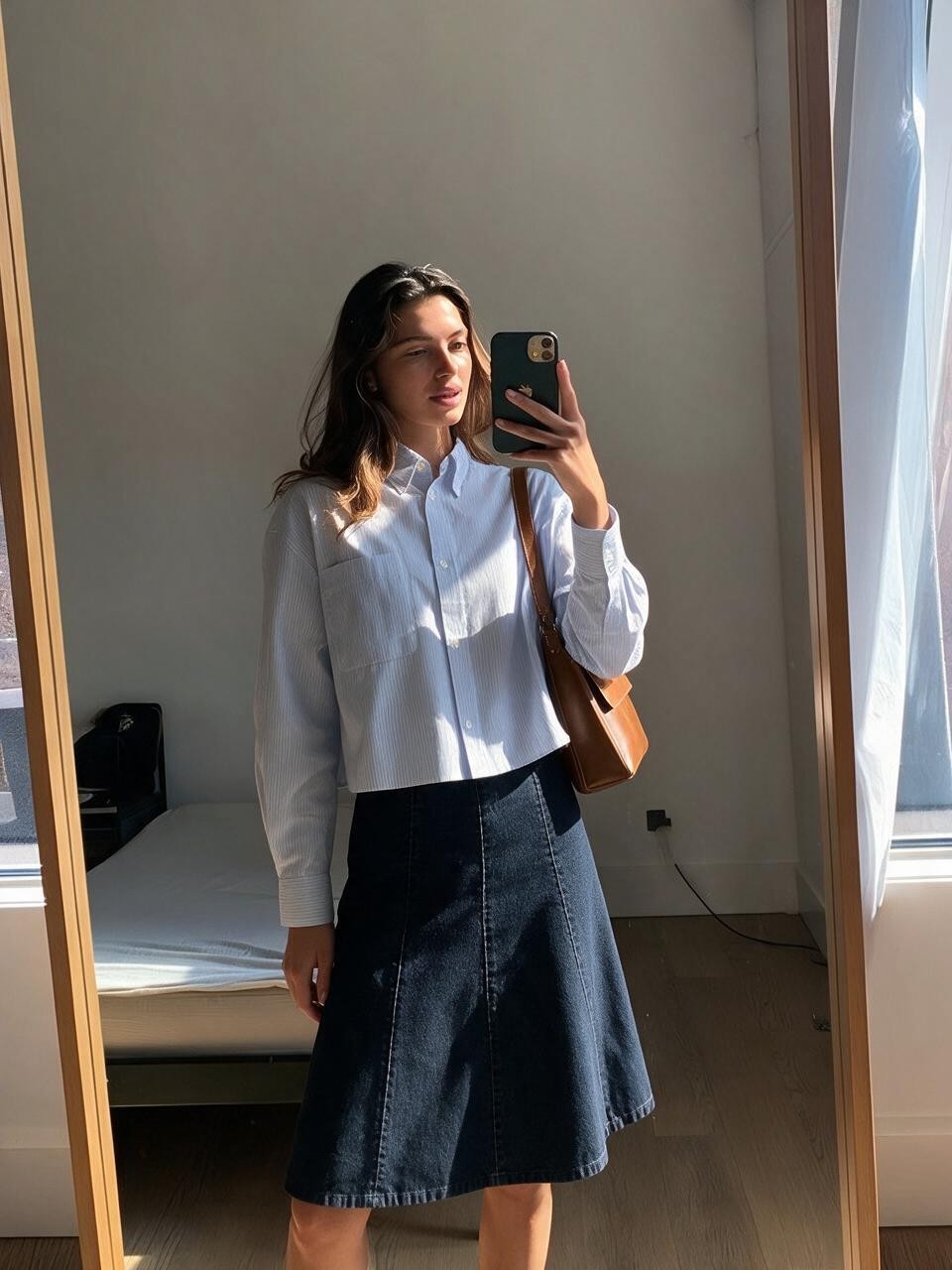
Shoppers style the whole look
Mix pieces in the showroom, try on the complete outfit, and add it all to cart.


Try-on, in motion
Video try-on. Shoppers watch the piece move on them before they buy.
The right size, more often
Your size chart powers the suggestion, so shoppers order the size that actually fits.
Every try-on can capture a lead
When the result lands, shoppers can opt in by email. Your list, your Klaviyo flows.
Emails that start with a great try-on
Their try-on lands in the emails you already send. Welcome, win-back, and launch flows.
Answer with a look
Shoppers ask, you show: share a try-on link in any support conversation today. Native Gorgias integration is next.
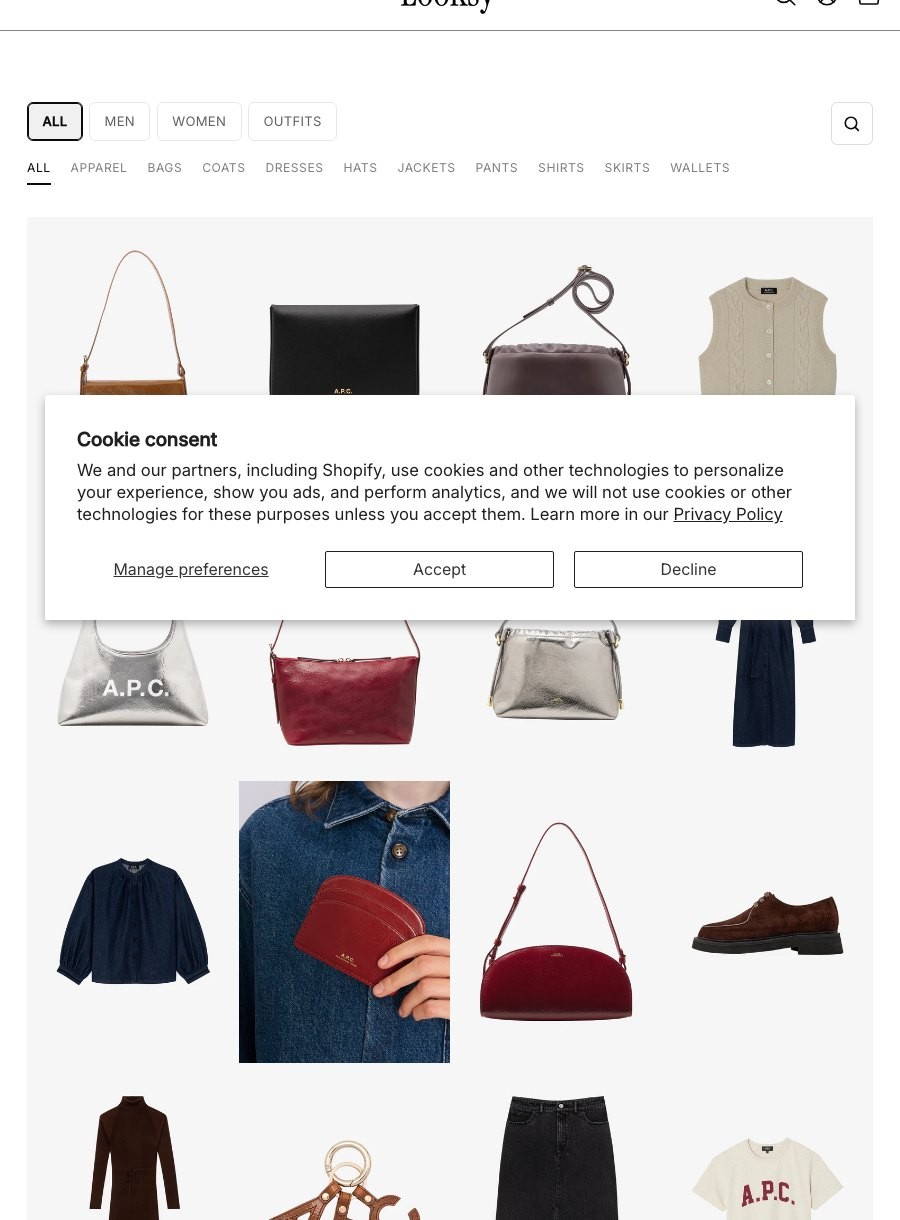
A showroom, not a grid.
Shoppers pick pieces, see the whole outfit on themselves, and get suggestions that complete the look. Bundle pricing built in. One tap adds it all to cart.


Plays well with your stack








Works with your store, not against it
Live in minutes.
Install, flip on the embed, and the button is live on your product pages. No code, no shopper app.
Support that actually answers.
Questions get replies from the people who built it. White-glove onboarding comes with every plan.

Priced for trying.
Try it on a free plan, then paid plans from $14.99. The Try-On Safety Limit caps spend at a line you set.
Works wherever they shop.
The same try-on runs on desktop and mobile, right in the product gallery they already use.
Start free with 25 try‑ons
Free
Kick the tires on your own catalog.
Free
Install free
✓ Unlimited try-ons
✓ Unlimited try-ons
✓ Up to $100 of additional revenue
✓ Credits refresh every 30 days
✓ Try-On Safety Limit
Starter
For your first real shoppers.
$14.99 / mo
Install free
Everything in Free, plus
✓ 100 try-on credits / mo
✓ $0.14 per extra try-on
Growth
Recommended
For stores with steady traffic.
$29 / mo
Install free
Everything in Starter, plus
✓ 300 try-on credits / mo
✓ $0.12 per extra try-on
Scale
For stores doing try-ons every day.
$79 / mo
Install free
Everything in Growth, plus
✓ 600 try-on credits / mo
✓ $0.10 per extra try-on
Everything you’re wondering
Will customers actually use it, or is this a gimmick?
Shoppers use it because there's no friction: no app, no account, one photo, and the result appears right on the product page in about 20 seconds. They can retry, download, share, and revisit recent results. The free plan includes unlimited try-ons, so you can watch real shoppers use it on your own products before paying anything.
Will this slow down my site?
Looksy is delivered as a lightweight Shopify theme app embed, and the try-on flow does its work when a shopper clicks the button rather than on every page load. You can enable or disable the embed at any time from Shopify's theme editor.
How accurate is the AI? I've seen bad virtual try-ons.
Good results start with good product images: clear, product-focused photos work best, and for apparel, full views beat cropped or heavily styled shots. Shoppers can retry a result and leave feedback when one misses. The best way to judge accuracy is to run try-ons on your own catalog on the free plan.
What about customer privacy? People won't upload selfies.
Shopper photos are used to generate the try-on result and nothing else in the storefront flow. They don't become product images and aren't sent to marketing tools. Generated results can be saved in the shopper's own browser, where the shopper can revisit or clear them, and shoppers see photo guidance before they upload.
Pricing feels unpredictable, what if we go over try-ons?
Every plan has a monthly credit allowance, and you can set a Try-On Safety Limit that pauses new storefront generations after a maximum you choose for the billing period, so spend can't run away. Plans start at $14.99/month (Starter), $29/month (Growth), and $79/month (Scale), with additional credits from $0.14 down to $0.10 depending on plan.
Can I customize to match our brand?
The storefront button ships as a Shopify theme app embed, so it lives on your product page rather than in a separate window, and you can customize the button and result copy from the theme editor to match your store's voice.
Does it work for my kind of products?
Apparel and accessories are the sweet spot: tops, dresses, knitwear, outerwear, bags. If shoppers wear it, they can try it on. The honest test is your own catalog — the free credits exist exactly for that.
What if I want to turn it off?
One toggle. Looksy is a theme app embed, so you can switch it off (or back on) in Shopify's theme editor any time. No code to remove, nothing left behind.
Answers, comparisons, and working tools
Everything a merchant asks before adding try-on, answered plainly and kept current against the App Store listing.
Try it on.
Install free, run unlimited try-ons on your own catalog, and see it working in your store today. No commitment.
✓ Free plan to start
✓ White-glove onboarding
✓ Live in minutes, no code
✓ Cancel anytime
ENTERPRISE